



-
 14-Day returns


Frequently Bought Together
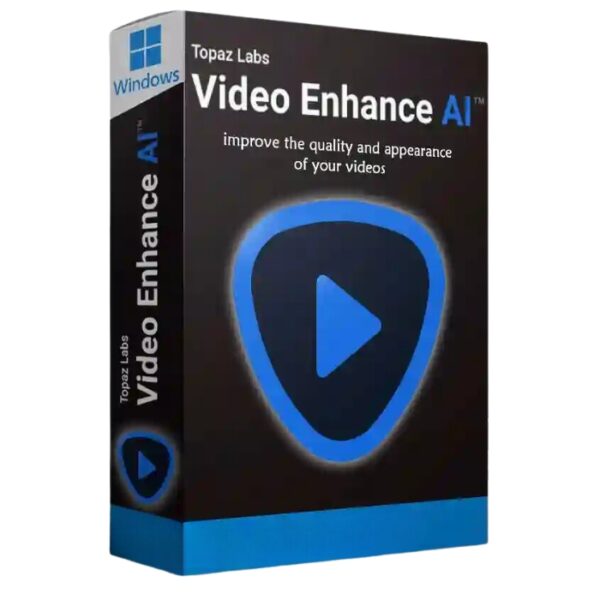
Topazlabs – Topaz Video Enhance AI – Improve video upscaling, denoising, deinterlacing, and restoration – Windows
Windows 10 Professional CD Key (Digital Download)

Microsoft Office 2016 Professional Plus Key Genuine Activation License Key – Instant delivery
Corel WinDVD Pro 12 – Blu-ray & DVD software for Windows
Topazlabs – Topaz Video Enhance AI – Improve video upscaling, denoising, deinterlacing, and restoration – Windows
.
Lifetime Activation
You will receive the software + Activation file
For Windows only
90 days Moneyback guarantee
The best results available in 2021.
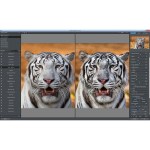
Video Enhance AI uses the latest deep learning techniques to naturally increase video quality and detail by using temporal information. Give it a try to see jaw-dropping improvements in video upscaling, denoising, deinterlacing, and restoration.

Upscaling
Improve real video resolution with detail gathered from multiple frames. Upscale SD to HD and HD to 4k or 8k while adding crisp and natural video details.

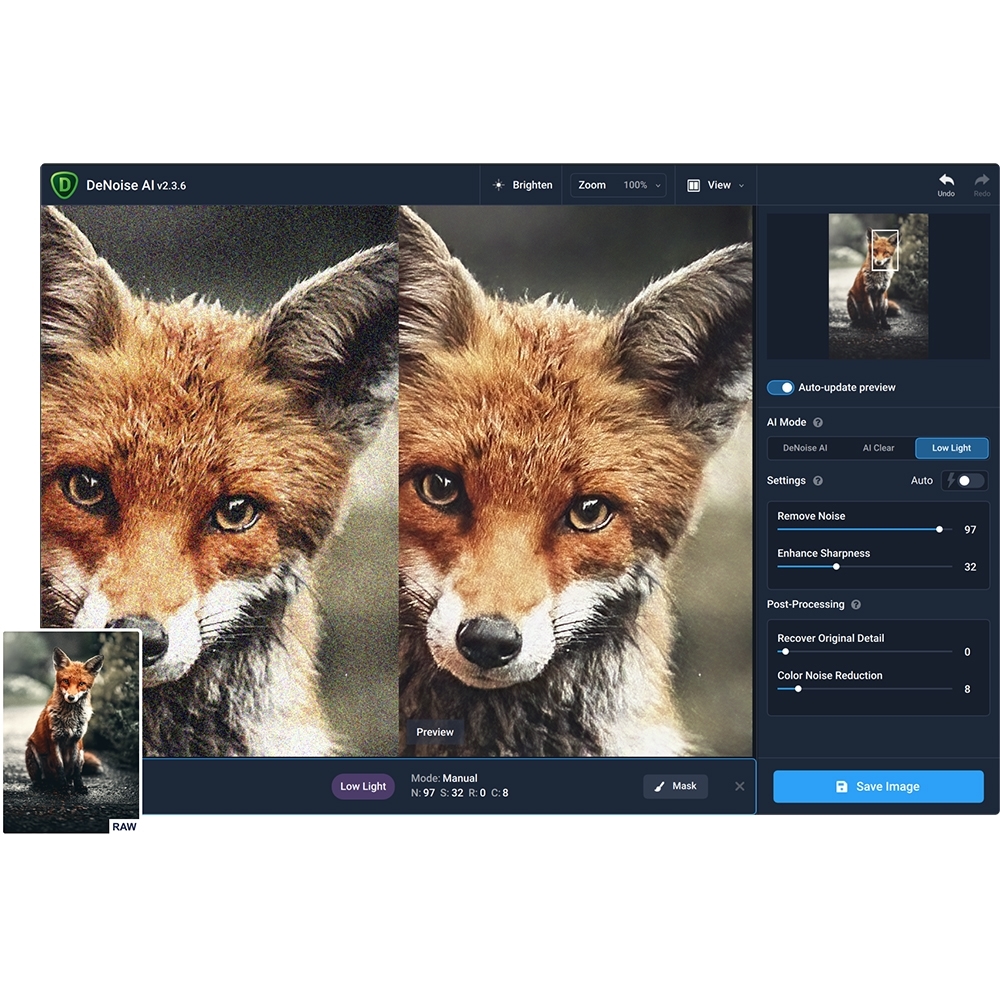
Denoising
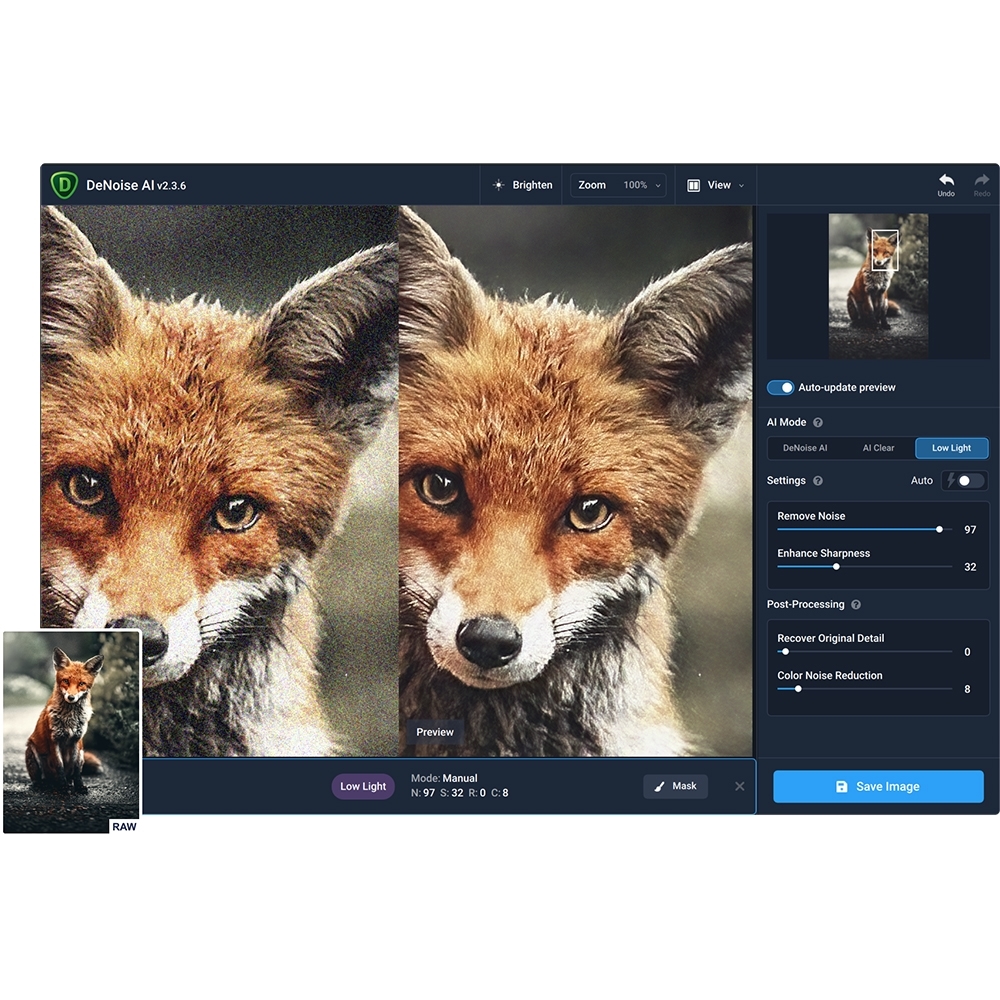
Remove noise and grain while recovering real detail in your videos. Minimize flickering and other temporal artifacts caused by frame-by-frame denoising approaches.

Deinterlacing
Use deep learning to convert interlaced videos to progressive while preserving image definition. Significantly reduces visual artifacts compared to traditional deinterlacing.

Restoration
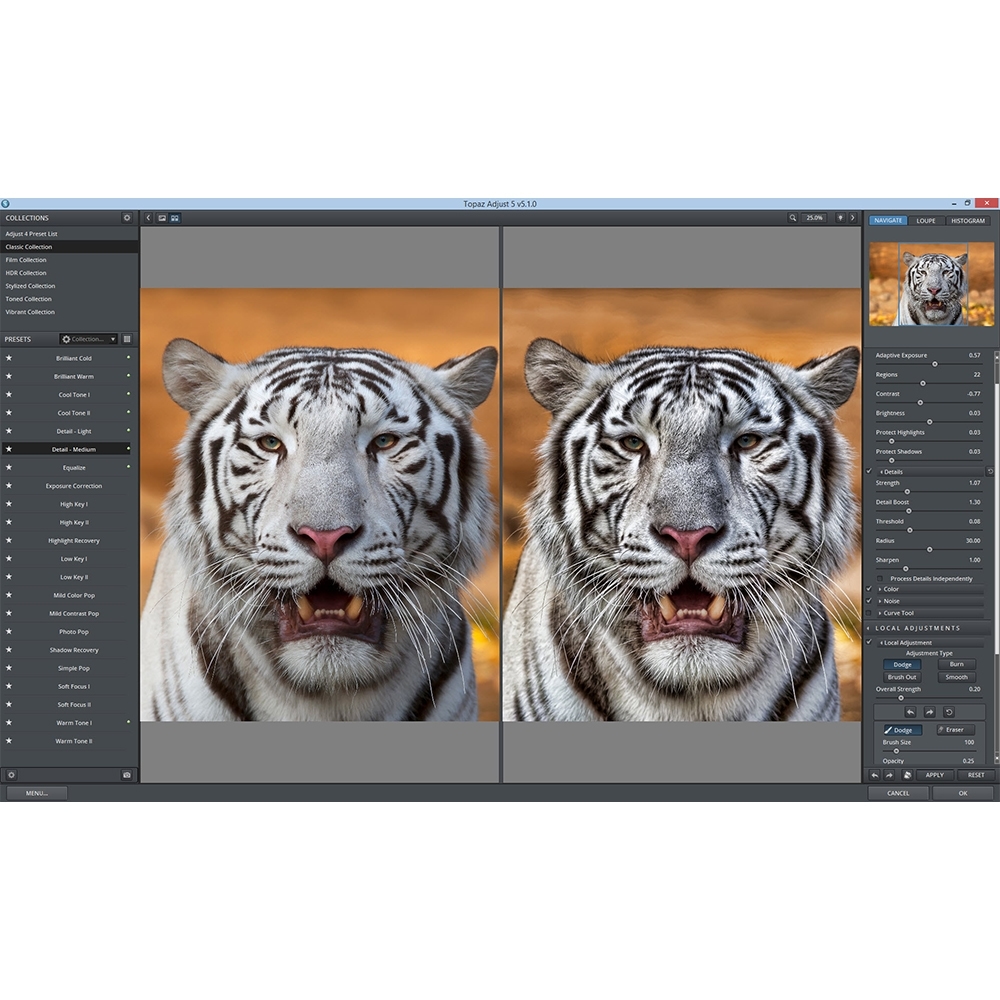
Naturally restore old videos without adding visual artifacts. Restore realistic details and remove compression artifacts from old or degraded sources.

Fewer motion artifacts
Other video upscaling techniques often create a “shimmering” or “flickering” effect from different processing in adjacent frames. VEAI is trained to significantly reduce such artifacts.

Recover video details
VEAI has been trained to inject real details into your videos, derived from the additional information in multiple adjacent frames.

Get more natural results
Traditional upscaling often causes While visual artifacts do exist in VEAI too, they’re mitigated by information derived from multiple frames.

Trained on videos
VEAI was trained exclusively on video clips instead of still images. (The improved results are worth the increased effort to gather the dataset!)

Optimized for your hardware
We work directly with different hardware manufacturers to ensure the software works as fast as possible on your machine.

Convenient workflow
Easily convert and combine multiple videos from SD to HD, HD to 4k, and much more. Includes export presets and batch processing

Flexible import / export
Supports common video file types and image sequence as input, and export directly to mp4, mov, or image sequence.

Batch processing
Leave Video Enhance AI running overnight with your videos queued up, and come back in the morning to enhanced footage.
Use your existing workflow
Video Enhance AI is standalone Software for both Mac and Windows, which means it uses your existing hardware to directly process videos instead of offloading work to a remote server. This makes it more cost-effective, faster, and better integrated into your workflow than server-based upscaling.
Reviews
Clear filtersThere are no reviews yet.